

How to delete a user from a Triage category?
August 16, 2022
Watch video
To add this digital front door to your practice home page, follow the steps in our helpful guide.
Once you have set up your triage system, add it to your practice home page


© 2026 iPLATO. All rights reserved
Practice Area
How to delete a user from a Triage category?
August 16, 2022
Watch video
To add this digital front door to your practice home page, follow the steps in our helpful guide.
Once you have set up your triage system, add it to your practice home page
© 2026 iPLATO. All rights reserved
How to delete a user from a Triage category?
August 16, 2022
Any Connect users can be deleted from a formerly assigned Triage category.
To action this, please follow these steps:
- Log into your myGP Connect system and go to the left-hand side menu bar and click on Settings.
- Then press on myGP Triage at the top of the screen.
- The myGP Triage settings screen will be displayed.
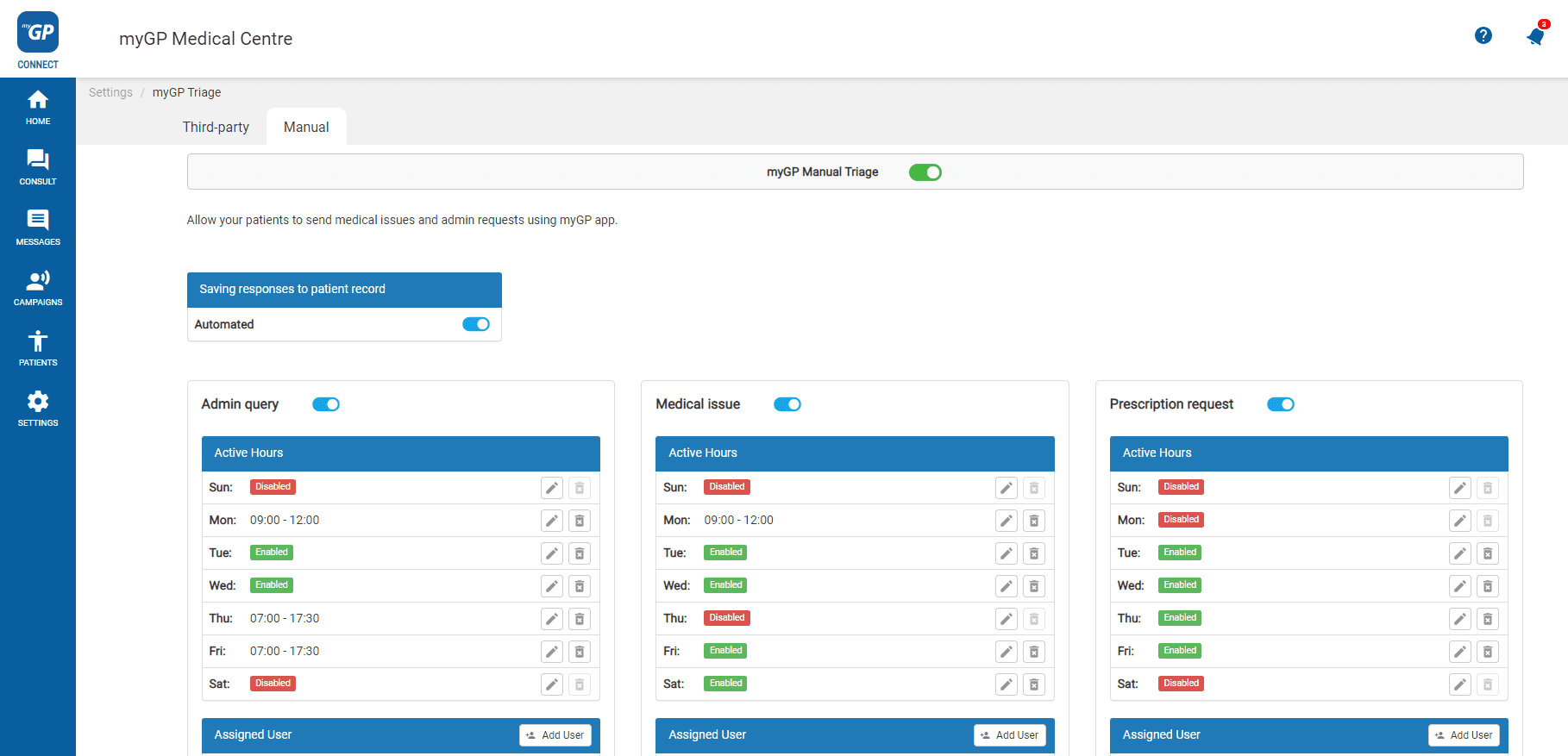
- By default you will be in the myGP Triage – Manual section
- Refer to the Add User section on the bottom right of Category tile
- Select appropriate Connect user
- Click Unassign User icon to the right of user
© 2026 iPLATO. All rights reserved