

How do I assign an Outcome to a Triage request
November 27, 2023
Watch video
To add this digital front door to your practice home page, follow the steps in our helpful guide.
Once you have set up your triage system, add it to your practice home page


© 2026 iPLATO. All rights reserved
Practice Area
How do I assign an Outcome to a Triage request
November 27, 2023
Watch video
To add this digital front door to your practice home page, follow the steps in our helpful guide.
Once you have set up your triage system, add it to your practice home page
© 2026 iPLATO. All rights reserved
How do I assign an Outcome to a Triage request
November 27, 2023
You can add one of your chosen Outcomes to your triage request.
- Click Messages, Triage requests
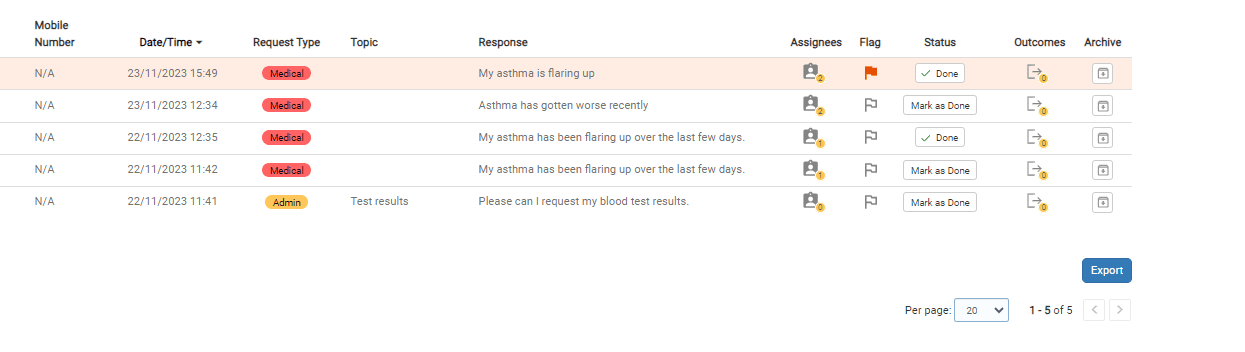
- Select the relevant triage request
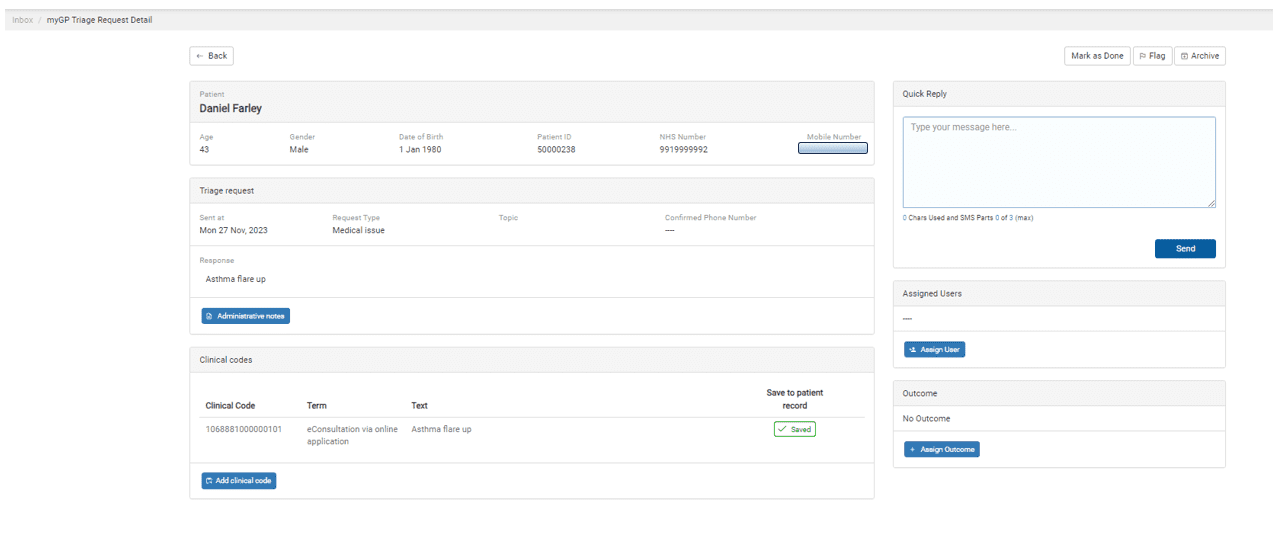
- Select the Assign Outcome in the bottom right-hand corner
- TOP TIP – If you do not see the Assign Outcome button, that means you have not yet created any outcomes to use. CLICK HERE to see how to create outcome categories.
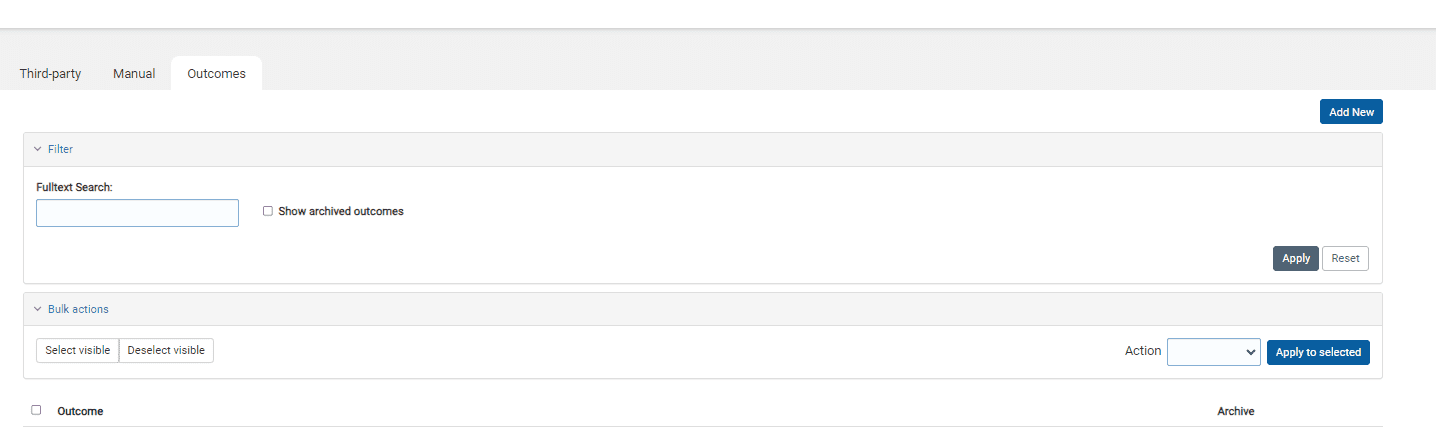
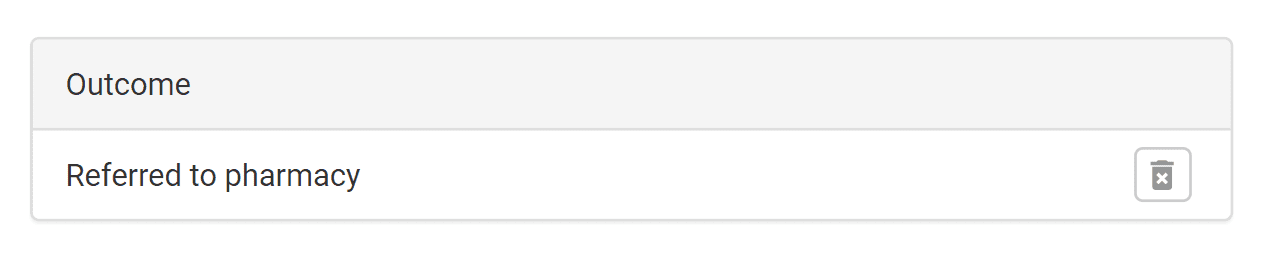
- You have now added your Outcome.
CLICK HERE to see how you can create your own Outcomes to use.
Outcomes do not currently save to the clinical system, we are working to include that in a future update of the triage system.
© 2026 iPLATO. All rights reserved