

How to mark a patient as hearing impaired
August 18, 2020
Watch video
It is a benefit to mark a patient with a hearing disability as Hearing Impaired within your myGP Connect system, because it will have you fully aware of the best method to communicate with the specific patient.
If you wish to mark a patient as Hearing Impaired in myGP Connect, please do the following:
- Log in to your myGP Connect system
- Click on Patients found on the left-hand side menu
- Click on Patient List
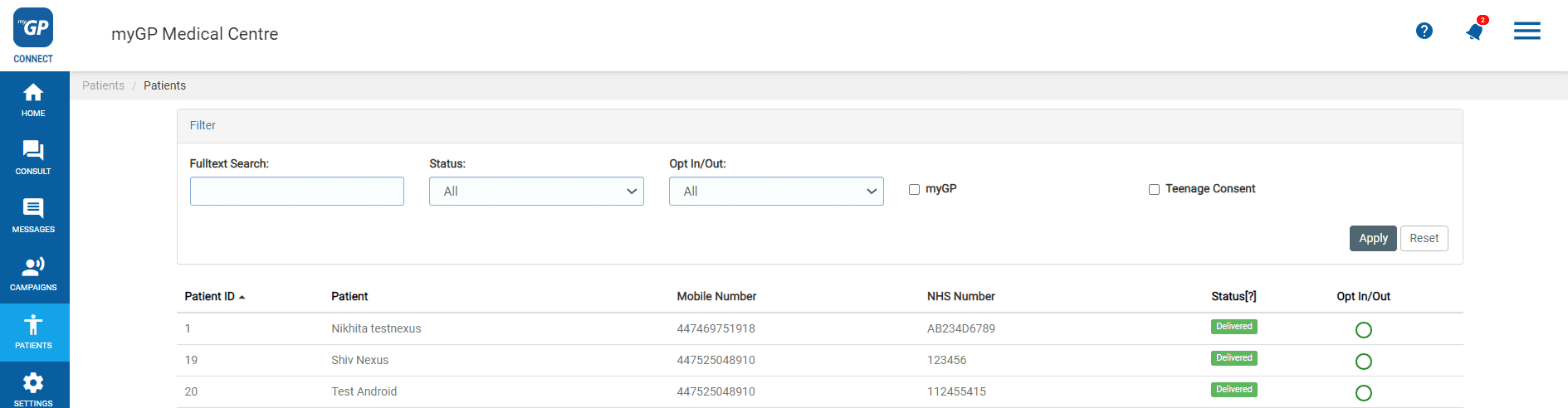
- Now search your specific patient up via the Search Box
- Then click on your patient’s entry
- This will bring you to their Patient Detail page
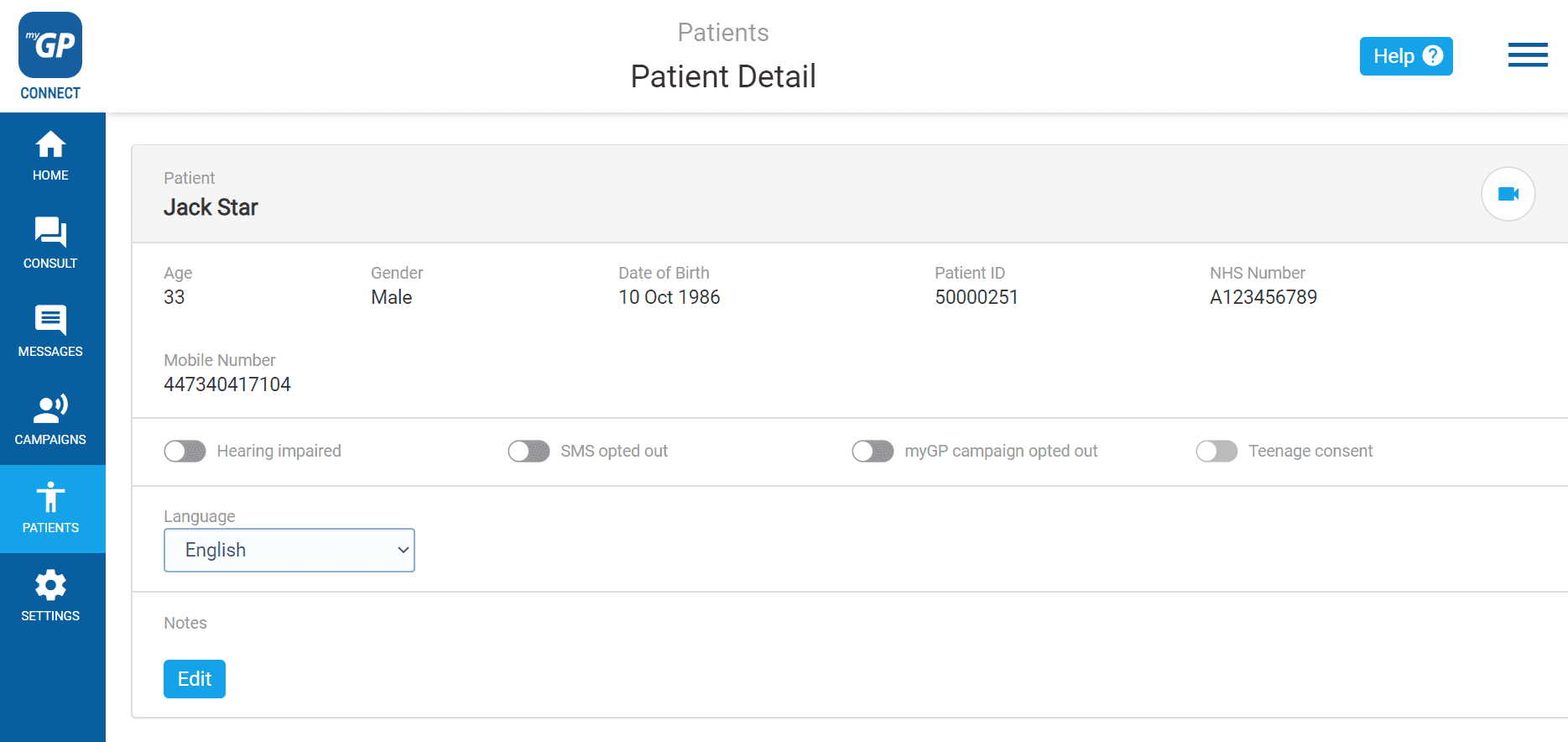
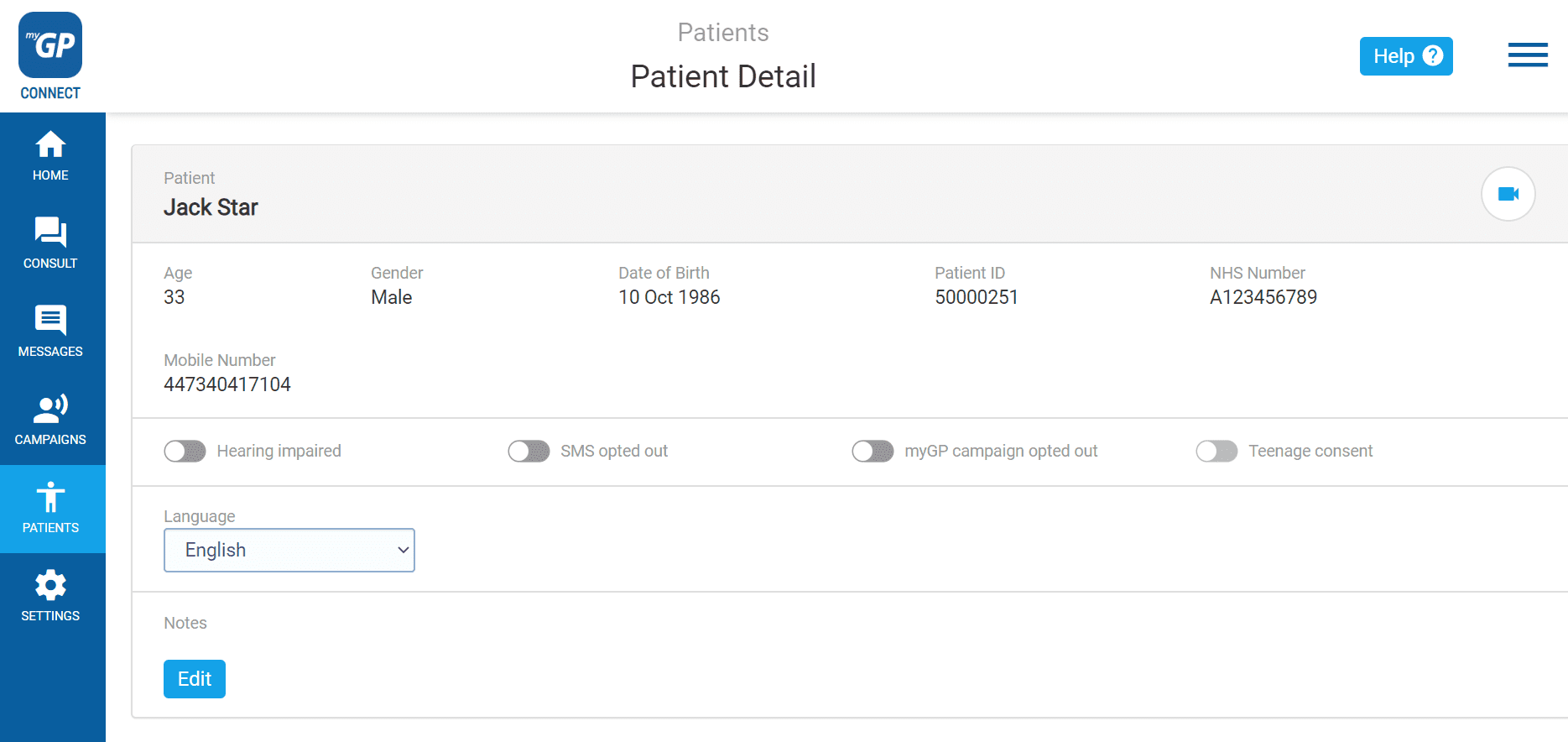
- Refer to the Hearing Impaired switch
- Click on the switch, it will change to Blue
Now this patient will be marked with the Hearing Impaired graphic on the Patient List page.
TOP TIP: any message received with a Hearing Impaired patient in your Inbox, will be marked with the Hearing Impaired icon.


© 2026 iPLATO. All rights reserved
Practice Area
How to mark a patient as hearing impaired
August 18, 2020
Watch video
It is a benefit to mark a patient with a hearing disability as Hearing Impaired within your myGP Connect system, because it will have you fully aware of the best method to communicate with the specific patient.
If you wish to mark a patient as Hearing Impaired in myGP Connect, please do the following:
- Log in to your myGP Connect system
- Click on Patients found on the left-hand side menu
- Click on Patient List
- Now search your specific patient up via the Search Box
- Then click on your patient’s entry
- This will bring you to their Patient Detail page
- Refer to the Hearing Impaired switch
- Click on the switch, it will change to Blue
Now this patient will be marked with the Hearing Impaired graphic on the Patient List page.
TOP TIP: any message received with a Hearing Impaired patient in your Inbox, will be marked with the Hearing Impaired icon.
© 2026 iPLATO. All rights reserved
How to mark a patient as hearing impaired
August 18, 2020
Watch video
It is a benefit to mark a patient with a hearing disability as Hearing Impaired within your myGP Connect system, because it will have you fully aware of the best method to communicate with the specific patient.
If you wish to mark a patient as Hearing Impaired in myGP Connect, please do the following:
- Log in to your myGP Connect system
- Click on Patients found on the left-hand side menu
- Click on Patient List
- Now search your specific patient up via the Search Box
- Then click on your patient’s entry
- This will bring you to their Patient Detail page
- Refer to the Hearing Impaired switch
- Click on the switch, it will change to Blue
Now this patient will be marked with the Hearing Impaired graphic on the Patient List page.
TOP TIP: any message received with a Hearing Impaired patient in your Inbox, will be marked with the Hearing Impaired icon.
© 2026 iPLATO. All rights reserved